 For Creative Professionals
Build every project the same way. Perfectly.
Create folders, starter files, naming, and structure in seconds before the real work begins.
Scaffold turns your best existing workflow into a repeatable system. Pick a client, choose a template, and your project is ready on disk with the exact structure you trust.
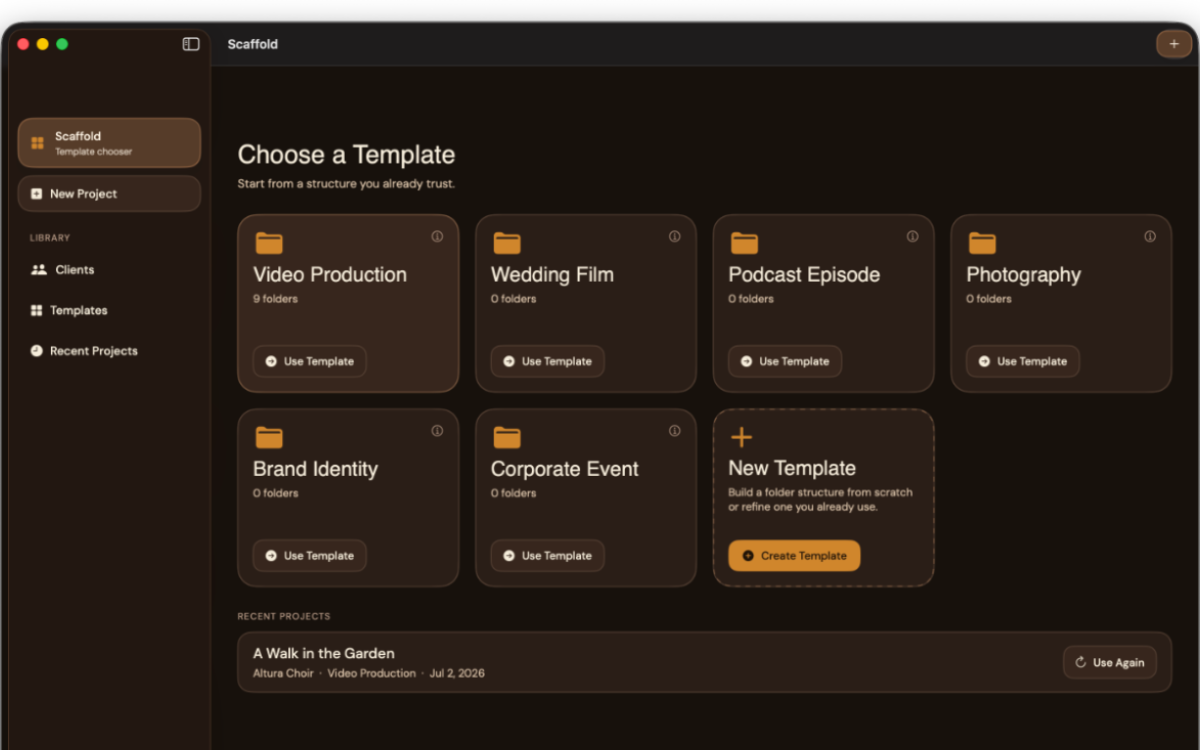
Turn your existing folder structures into reusable project blueprints.
Drop in your session files once and Scaffold names and places them automatically.
Pick a client and Scaffold remembers the template, naming, and details you already use.
See the exact folders and filenames before anything is created on disk.
Recurring concerts, episodes, shoots, and edits stop starting from zero.
Built for videographers, photographers, musicians, designers, and every creative who's tired of setting up projects by hand.
Start from a structure you already trust.
Open Scaffold. Choose your template. Name your project. Hit create.
Your entire folder structure — named, numbered, colored, with your working files already inside — built on disk in seconds. Not a generic starter. Your structure, the way you work, every time.
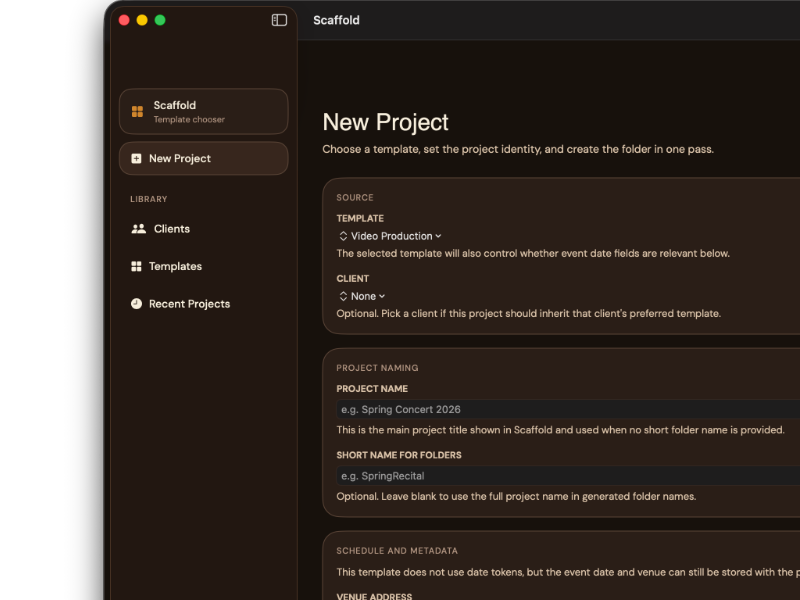
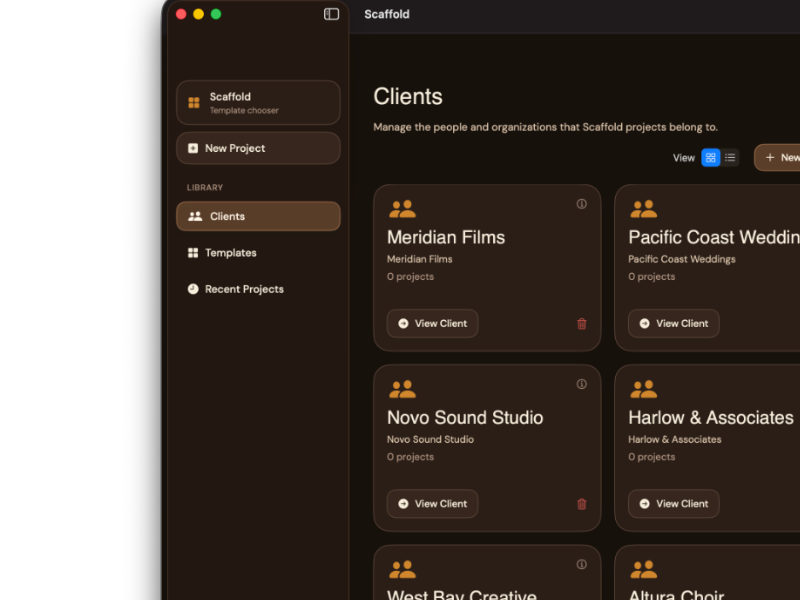
Your clients. Your templates. Your workflow.
Client Database
Every client you work with, in one place. Contact details, address with a live map, project history. Pick a client and Scaffold already knows which template you used last time.
Template Library
Build templates by hand, or point Scaffold at an existing project folder and let it learn your structure automatically. Sub-folders, numbered or plain, Finder tag colors — exactly the way you already organize, captured once and reused forever.
Starter Files
Attach your actual working files — FCP projects, Logic sessions, Word docs, spreadsheets, whatever you start every project from. Scaffold copies them in, names them with your naming convention, and they're ready to open the moment the project is created.
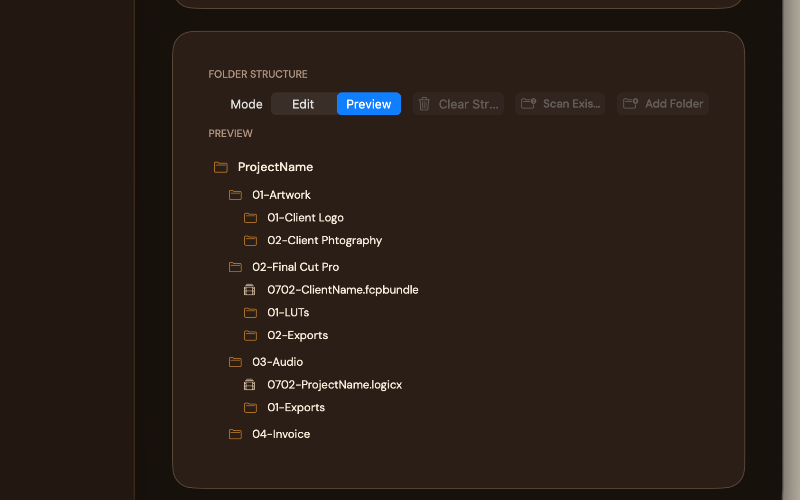
See it before you build it.
Every project shows you a live preview of exactly what's about to be created — folder names resolved, file names resolved, structure visible — before you commit. No surprises. No "that's not what I meant."
What you see is what you get.
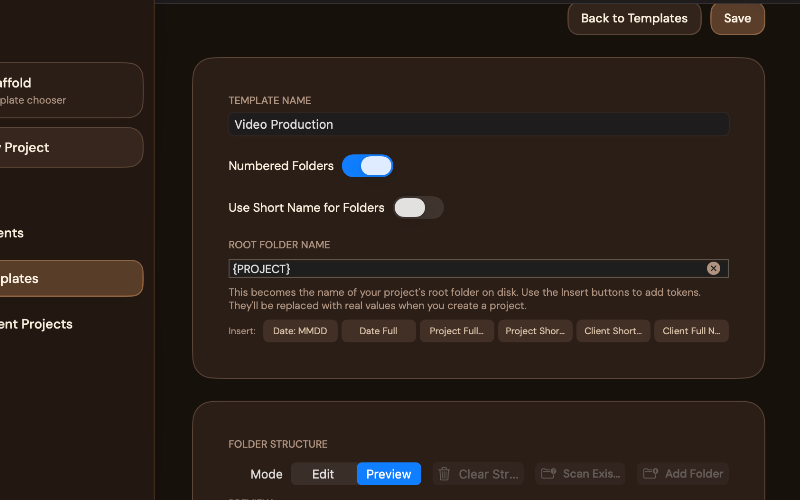
Tokens, not typing.
Stop retyping dates, client names, and project titles into every folder name by hand. Scaffold's naming tokens do it automatically.
Set it once in your template. Every project after that names itself.
Scan what you already have.
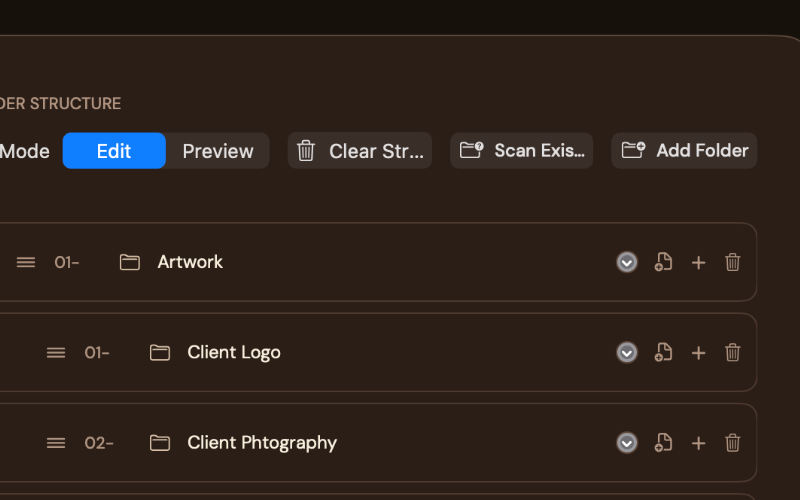
Already have a project structure that works? Don't rebuild it from scratch. Point Scaffold at any folder on your Mac and it reads the structure — folders, sub-folders, numbering, even Finder tag colors — and turns it into a reusable template in seconds.
Duplicate and go.
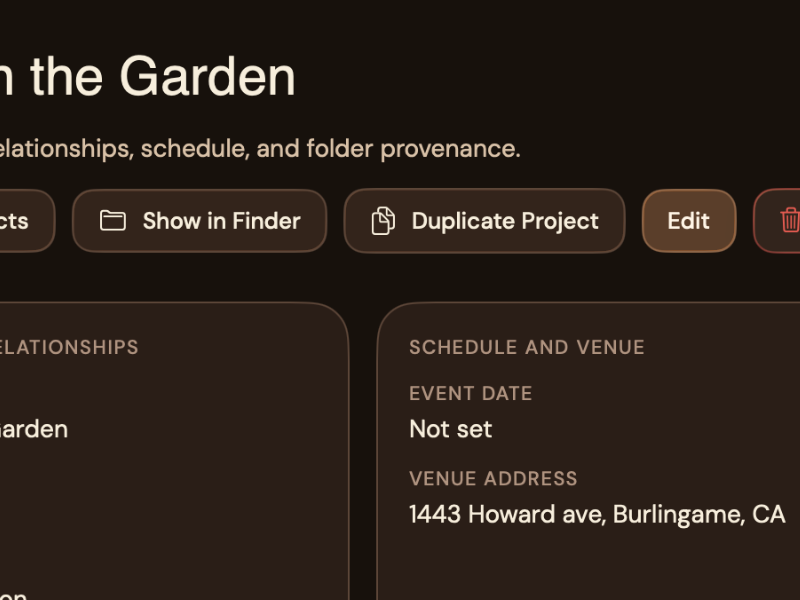
Annual concert? Recurring client project? Duplicate last year's project, change the date, and you're running. Every detail carries over — client, template, venue — so you're not starting from zero on work you've done before.

The Bridge. Your library, anywhere.
Everything — templates, clients, history, starter files — lives in a single portable file. Put it on your Mac, in iCloud Drive, Dropbox, or an external drive, and open that same library from another Mac with The Bridge.
No account. No cloud service to configure. Just your file, wherever you put it. Move between a desktop and a laptop and you're working from the same templates, the same clients, the same project history — not starting over on a second machine.
If a library can't be reached — a drive isn't connected, a sync service needs a moment — Scaffold tells you exactly what's wrong and how to fix it, instead of guessing.
The details.
The quiet infrastructure behind a consistent creative workflow.
One-time purchase. Your templates, your clients, your projects — no monthly fee, no feature gates, no "upgrade to unlock."
New in 1.1: The Bridge is open.
Read the full guide to see everything Scaffold can do — templates, tokens, starter files, and working from more than one Mac.
Scaffold sets up every project before you start. Now on every Mac you own.
Squirrel organizes every file when you're done.
Handcrafted software for people who make things.